Table of Contents
Introduction to Digital Fan Signs
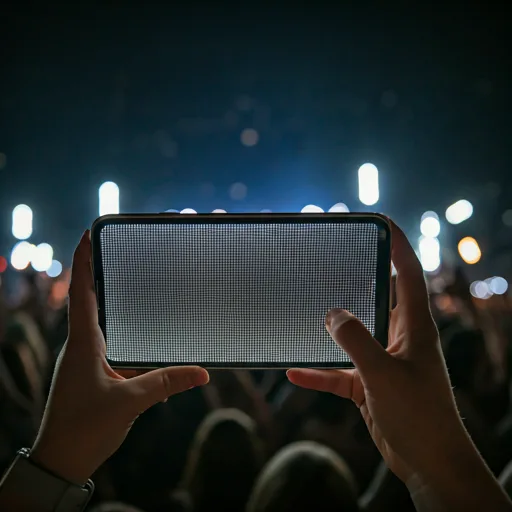
The landscape of concert fandom has evolved significantly. Gone are the days when fans only relied on cardboard posters and glow sticks. Today, the digital revolution has brought us the LED Scroller—a dynamic, highly customizable way to communicate directly with your favorite artists from the pit or the nosebleed seats. This guide will walk you through everything you need to know to master the art of the digital banner.
Maximum Visibility: Best Color Combinations
Not all colors are created equal in a dark, high-contrast concert environment. To ensure the artist can actually read your message from the stage, you need to consider the science of light.
| Feature | Traditional Fan Signs | LED Scrolling Banners |
|---|---|---|
| Portability | Bulky, hard to carry | Fits in your pocket |
| Customization | Fixed once created | Change messages instantly |
| Visibility | Requires external light | Self-illuminated & bright |
| Interaction | Static | Animated & attention-grabbing |
Setting the Right Scroll Speed
One of the most common mistakes fans make is setting the scroll speed too fast. In an effort to make the banner "energetic," they render the text illegible. Ideally, your scroll should be slow enough for someone to read the entire message in one pass without rushing. For a standard 5-word sentence, a 5-8 second scroll cycle is usually the sweet spot.
Concert Etiquette: When to Use Your LED Scroller
Being a fan means respecting the experience of everyone around you. While LED banners are great, holding them up for the entire show can be incredibly frustrating for those behind you.
- Only hold it up during intermissions or between songs.
- Keep the device at head level; avoid stretching your arms high unless you're in the front row.
- Dim the brightness slightly if you are in a very dark acoustic set to avoid blinding others.
- Put it away during emotional ballads unless the artist asks for lights.
- For venue-scale screens instead of a phone, see our external big size screen guide.