Table of Contents
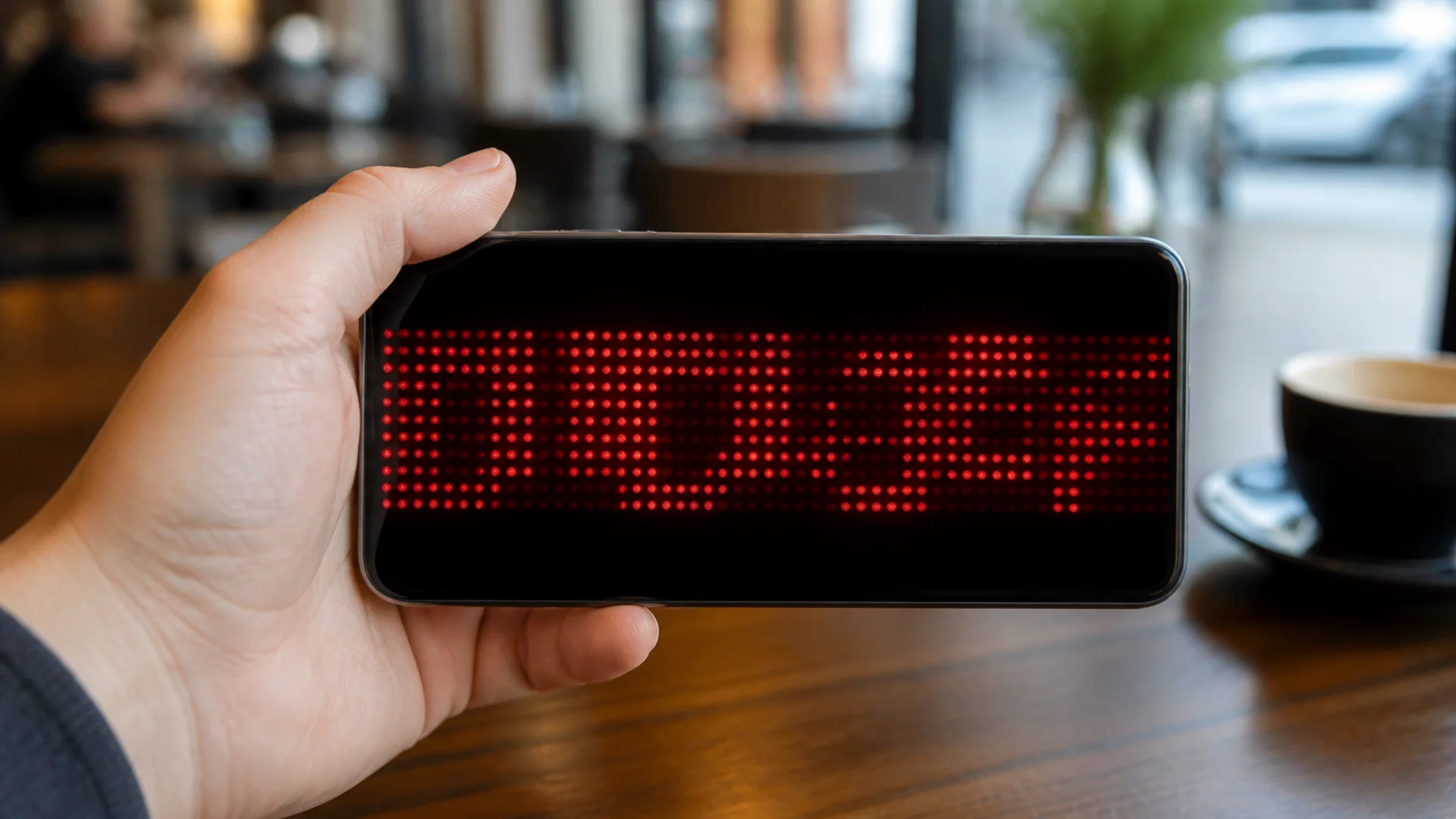
Small businesses do not need a media team to benefit from LED-style banners. The wins come from fast copy changes, high contrast, and placing a phone or tablet where customers already look.
1. Daily specials without reprinting posters
Swap lunch specials or flash discounts in under a minute. Shorter lines beat clever slogans—customers glance while ordering.
2. Queue and wait-time updates
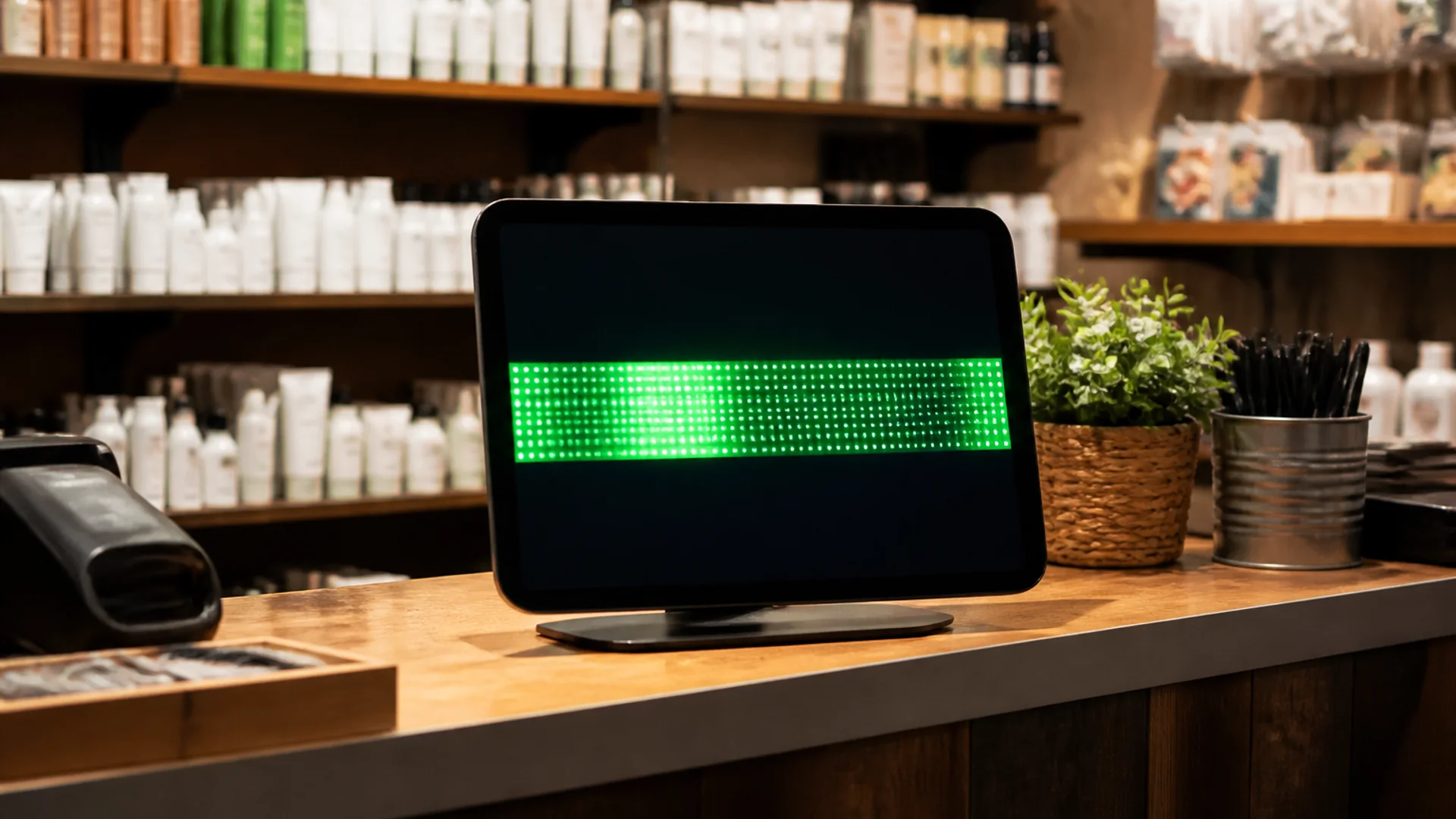
Cafés and clinics use a second screen for “now serving” or estimated wait notes so staff are not repeating the same answer.
3. Hours, holidays, and service notes
Holiday closures and temporary hour changes are clearer on a bright ticker than a taped paper sign that fades overnight.
4. Local events and community shout-outs
Sponsor a school fundraiser or weekend market? A rotating thank-you line keeps community goodwill visible without a new print run.
5. Soft upsells that stay readable
Add-on prompts (“Ask about catering”) work when contrast is high and scroll speed is calm. Avoid stacking three CTAs in one crawl.
Try it
Soft next step: open the free free LED banner tool on LED Scroller and test your message on a phone or TV—no account required.
About the author: LED Scroller Editorial publishes industry Insights for event teams, shops, and creators. We separate product how-tos (blog) from timely industry notes (news).