Table of Contents
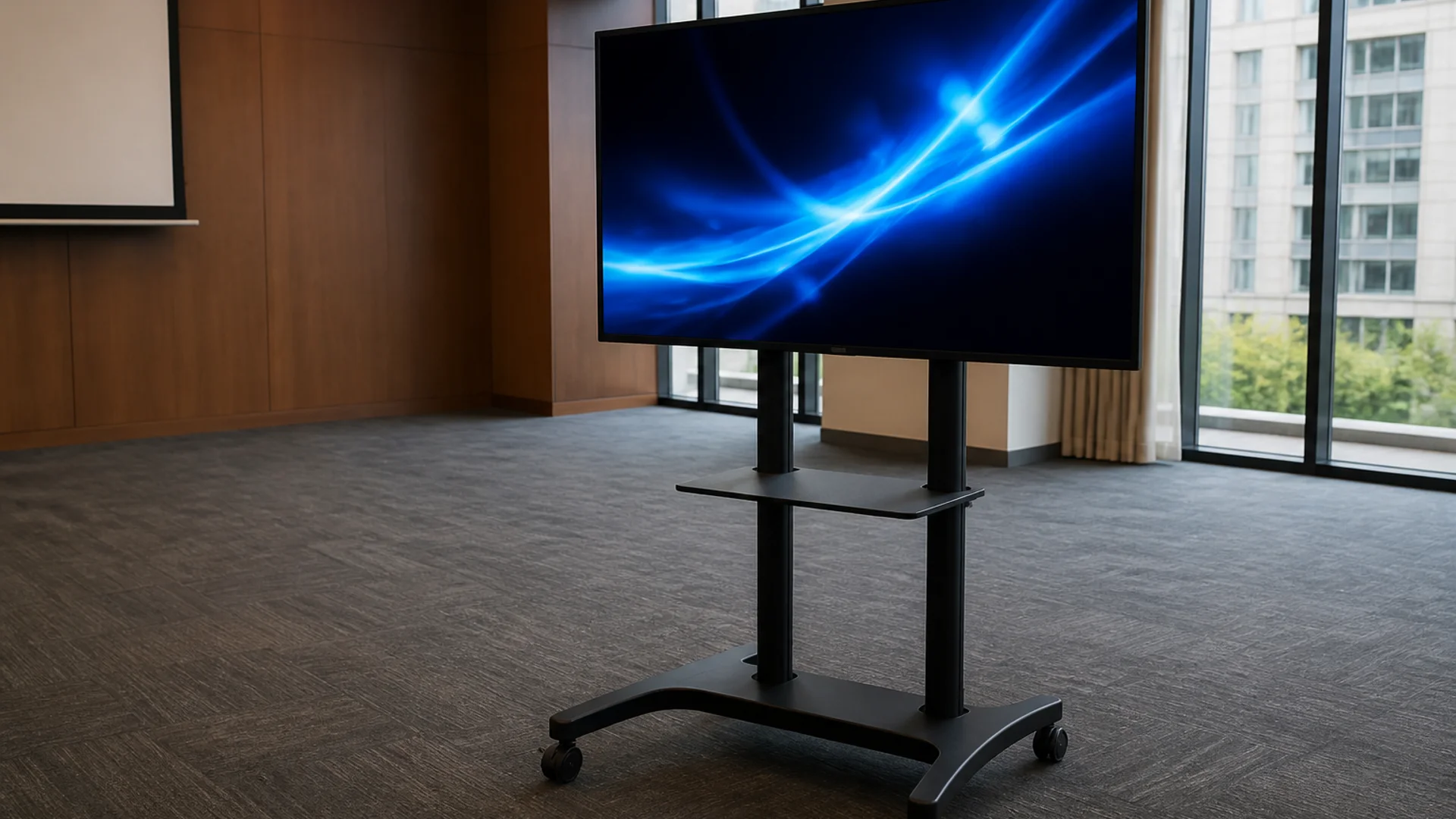
Event producers still want bright, glanceable messages—but in 2026 more teams start with a phone, laptop, or TV before booking a full LED wall. The trend is not “replace every panel.” It is using the right screen for the job and keeping copy readable under stage lights.
What changed for event displays in 2026
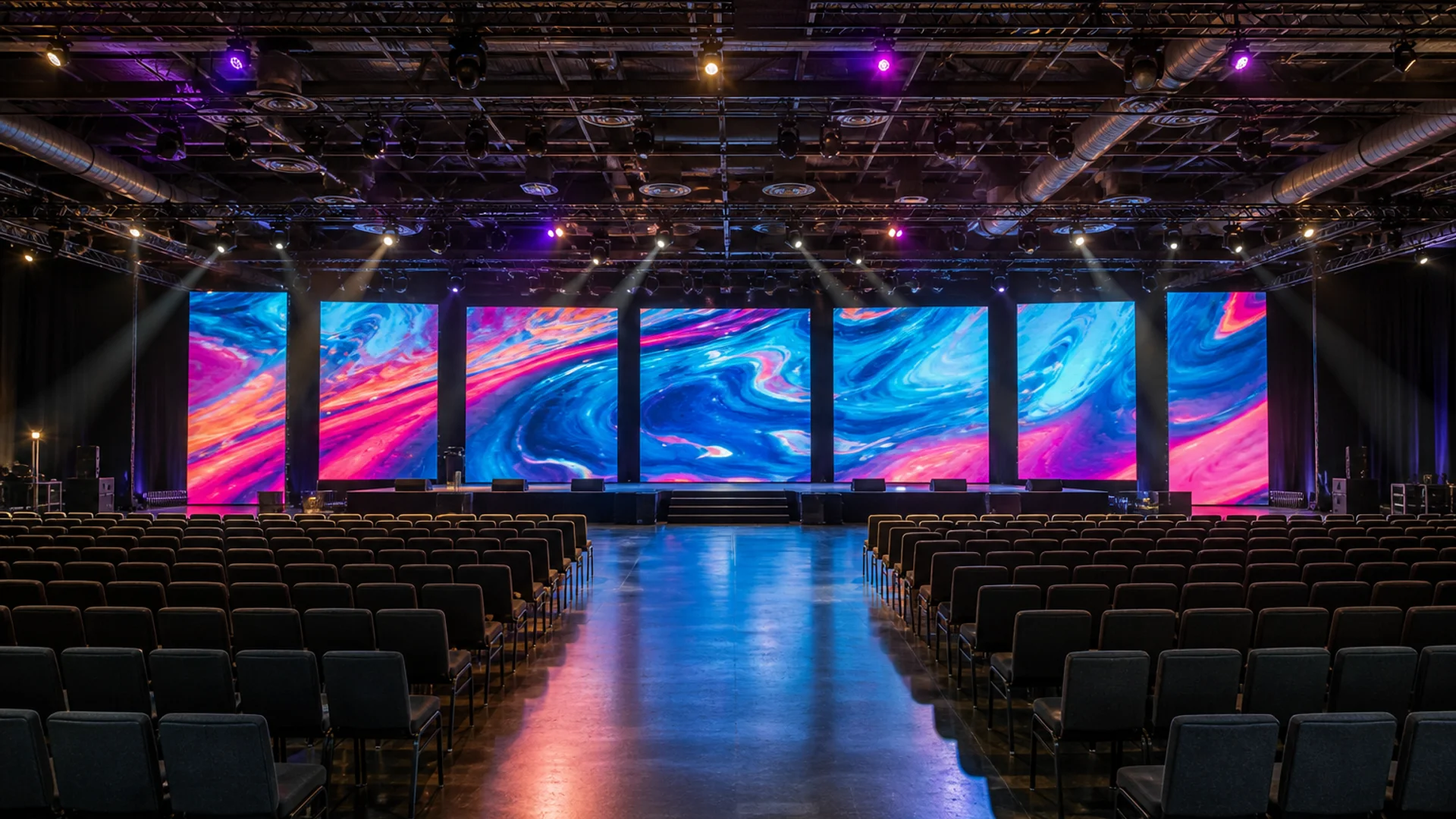
Hybrid venues mix fixed LED walls with temporary tickers for sponsors, schedules, and safety notes. Audiences expect updates in real time, so operators favor tools that change text in seconds without a media-server ticket.
Phone-first and browser-first messaging
Smartphones and tablets already live in every production kit. Browser-based LED simulators let a volunteer open fullscreen, point at a screen or mirror via HDMI, and run a ticker without installing an app. That workflow is especially common for community festivals, school shows, and pop-up retail activations.
Readability beats spectacle
High-contrast colors, moderate scroll speed, and short lines still outperform flashy effects. Guests walking past a lobby screen get one or two seconds—if they cannot parse the message, the display fails regardless of brightness.
When to rent cabinets vs run software
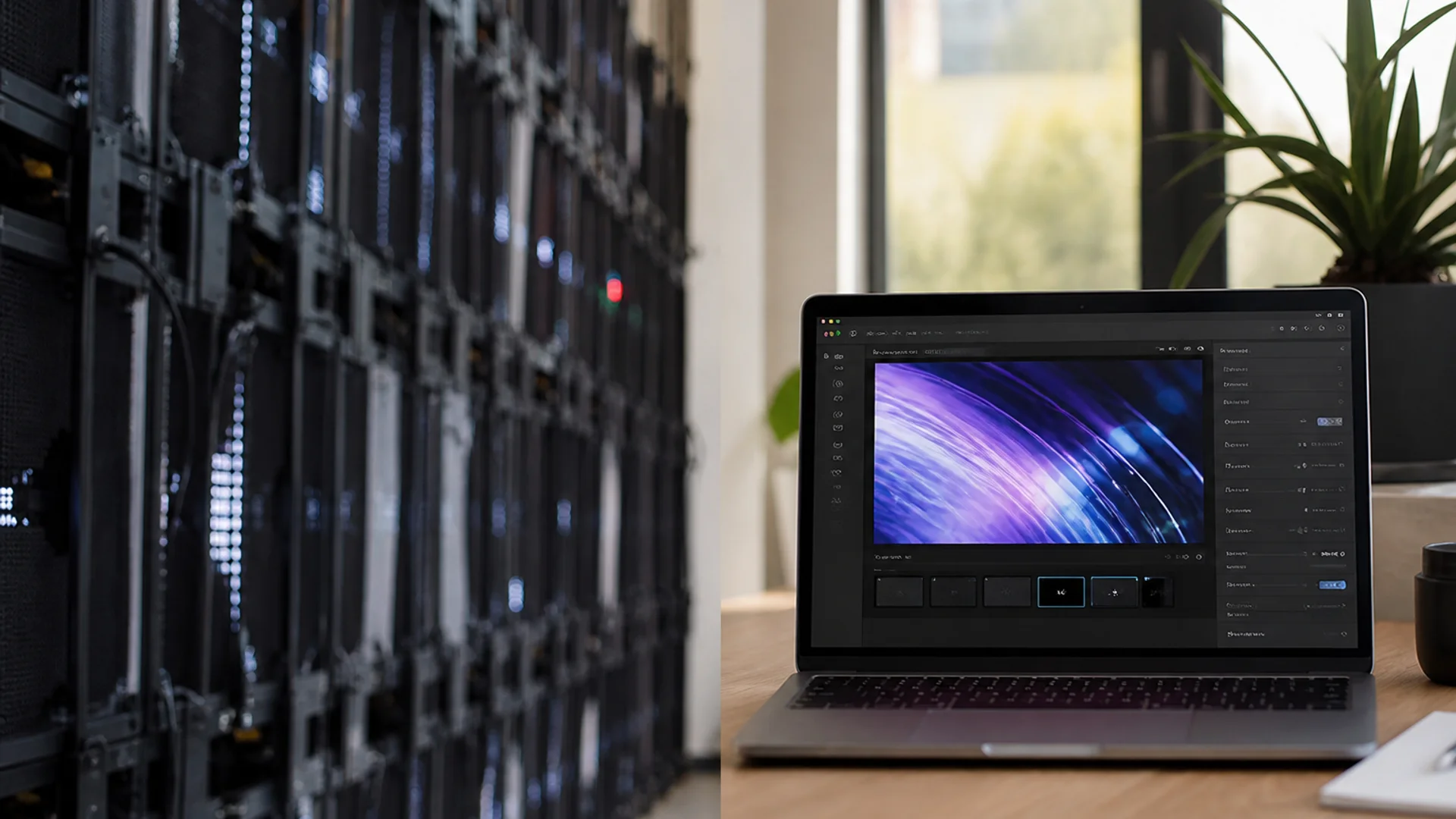
Hardware cabinets remain the right call for outdoor daylight, long throws, and branded stage looks. Browser signage wins for indoor lobbies, green rooms, sponsor crawl loops, and last-minute copy changes. An honest plan often uses both.
Practical checklist for organizers
Confirm viewing distance, ambient light, and who owns the text updates. Rehearse the fullscreen path on the exact device. Keep a soft backup (second phone + cable). Link your primary CTA to a tool your team already trusts.
- Write messages under ~8–12 words when possible
- Test contrast on the actual room lighting
- Assign one person to update sponsor/schedule lines
- Have a HDMI or casting path ready before doors
- Prefer steady scroll over aggressive blink effects for public lobbies
Try it
Soft next step: open the free scrolling text maker on LED Scroller and test your message on a phone or TV—no account required.
About the author: LED Scroller Editorial publishes industry Insights for event teams, shops, and creators. We separate product how-tos (blog) from timely industry notes (news).