Table of Contents
Portable fullscreen displays win on speed and cost—but only if organizers answer a few boring questions early. Most “screen failures” are power, mounts, or permissions—not the LED software.
The questions that come up in planning
Where will guests stand? Who brings the cable? Is the venue Wi‑Fi required, or can the page run offline after load? Clear answers prevent day-of improvisation.
Power, mounts, and theft risk
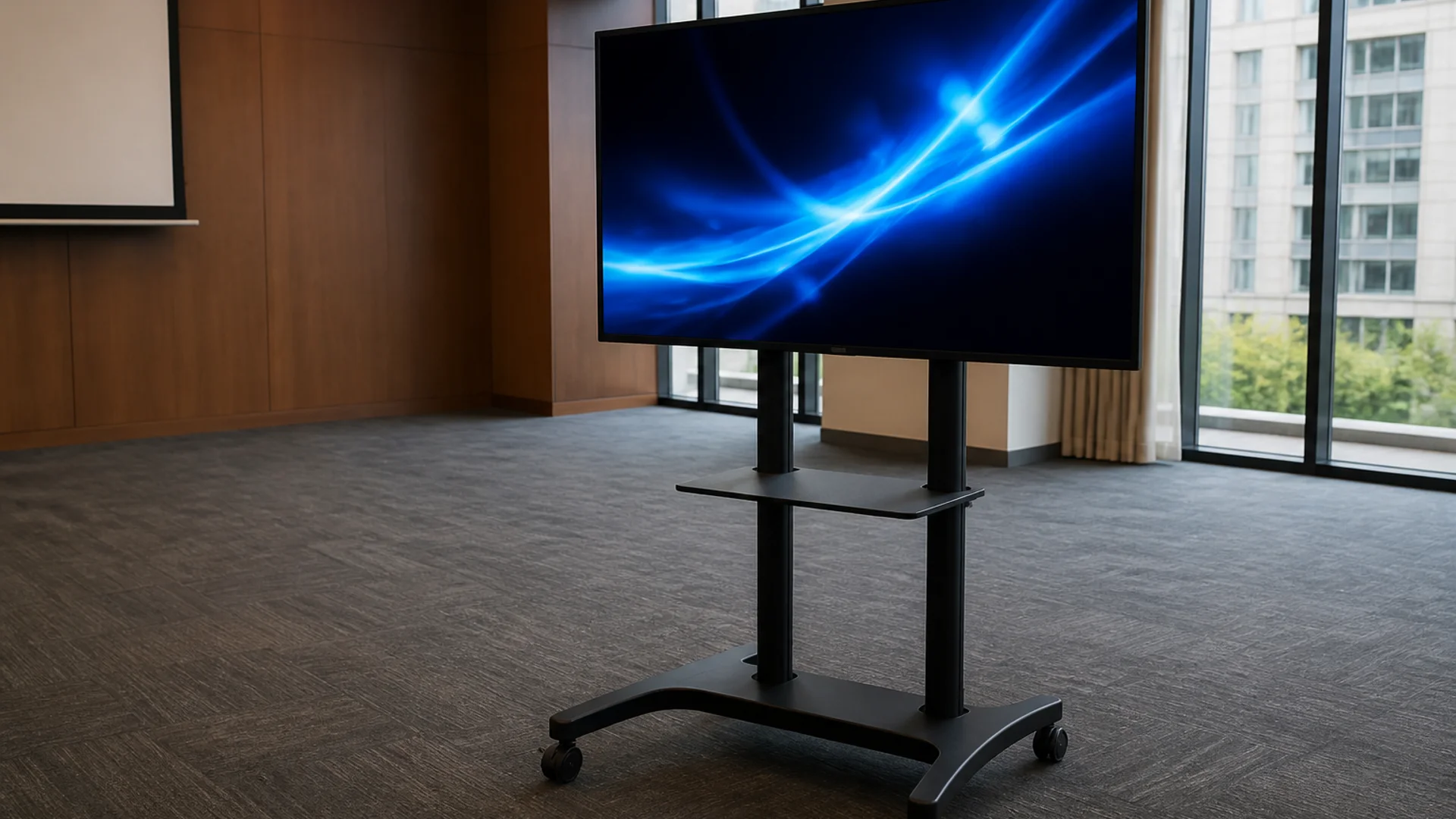
Tablets need a secure stand and continuous power for multi-hour events. Budget a lockable enclosure for public floors.
Casting and HDMI realities
Wireless casting is convenient and flaky under crowded networks. Prefer a tested HDMI path for keynote lobbies and sponsor walls.
Who can change the text
Give one producer edit access and a written character limit. Last-minute “everyone can edit” usually produces typos on the big screen.
Fallback plans that actually work
Carry a second device with the same URL or saved configuration. Screenshot a static backup only if live updates are not required.
Try it
Soft next step: open the free LED full screen view on LED Scroller and test your message on a phone or TV—no account required.
About the author: LED Scroller Editorial publishes industry Insights for event teams, shops, and creators. We separate product how-tos (blog) from timely industry notes (news).