Table of Contents
In 2026, creators still use scrolling LED-style text for sponsor crawls, schedule notes, and playful lower thirds—but the best streams treat tickers as supporting UI, not the main show.
Tickers vs teleprompters vs chat overlays
A ticker announces; a teleprompter helps the host speak; chat overlays show community. Mixing all three at full intensity creates noise. Pick one primary attention layer per segment.
Pacing for live audiences
Stream compression and smaller mobile players punish fast crawls. Slow the scroll and increase font size when a large share of viewers is on phones.
Design that survives compression
High contrast, limited palette, and short phrases survive bitrate dips better than thin neon scripts. Leave safe margins so platform UI does not cover your message.
A simple 2026 creator workflow
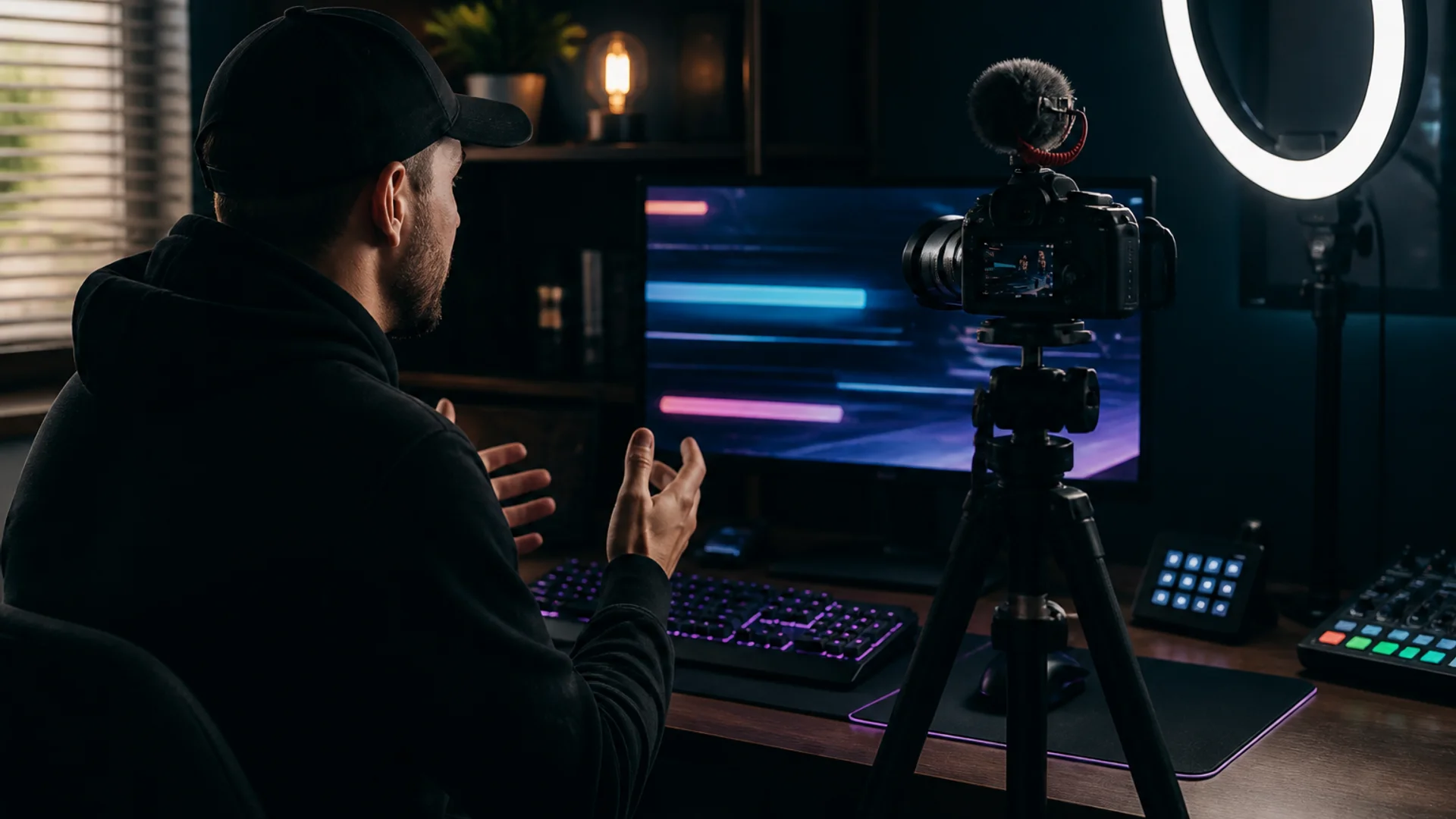
Draft lines ahead, keep a browser ticker on a spare display or scene source, and use a teleprompter on a second device for long scripts. Soft CTA: try the free teleprompter when you need readable pacing for talking heads.
Try it
Soft next step: open the free online teleprompter on LED Scroller and test your message on a phone or TV—no account required.
About the author: LED Scroller Editorial publishes industry Insights for event teams, shops, and creators. We separate product how-tos (blog) from timely industry notes (news).